The Game Table
Choose a game.
← The Game Table
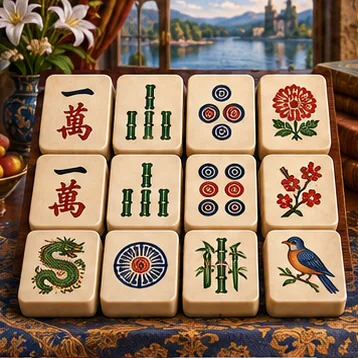
Mahjong SolitaireClear matching tiles
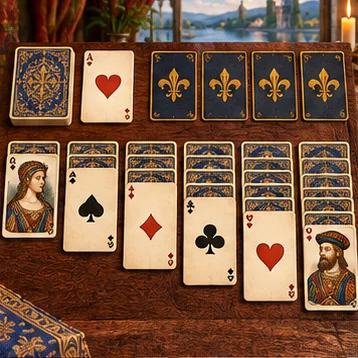
SolitaireClassic card challenge
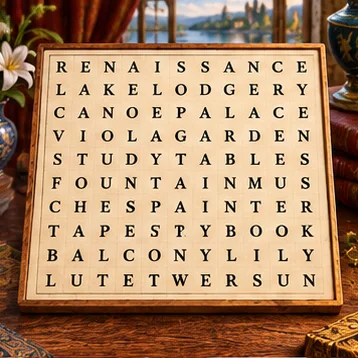
Word SearchFind hidden words
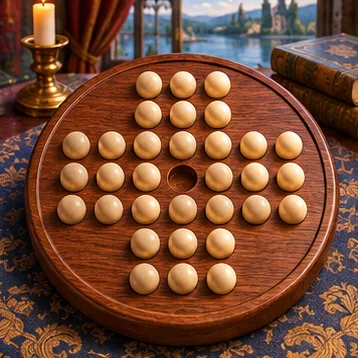
Peg SolitaireJump and remove pegs
NonogramsReveal pixel art
Four in a RowBeat a friend or computer
Fleet CommandFind the hidden ships

Retreat TycoonBuild your sanctuaryMatching pairs
Ready for another round? Start fresh or try a different game.
Pairs found 0 of 6
Choose a card to begin.
⚙ Game Settings
ⓘ How to Play
Turn over two cards. Matching pairs stay face up. Find every pair to finish. Use Tab to reach a card and Enter or Space to turn it over.
Chess
Ready for another round? Start fresh or try a different game.
⚙ Game Settings
The difficulty setting controls how far the computer plans ahead. These are practice levels without a chess rating.
ⓘ How to Play
Select a piece, then an outlined destination. Your chosen color appears at the bottom against the computer. In two-player mode, White appears at the bottom. Use arrow keys to move focus around the board, and Enter or Space to select a square.
Rooks move along rows and columns. Bishops move diagonally. Queens combine both. Knights move two squares in one direction and one to the side. Kings move one square. Pawns move forward and capture diagonally.
The goal is checkmate. Castling, en passant, promotion, stalemate, repetition, the fifty-move rule, and insufficient material are handled automatically. Choose your promotion piece before moving a pawn to the last rank. Changing play mode starts a new game.
Match
Captured Pieces
Move History
Checkers
Ready for another round? Start fresh or try a different game.
⚙ Game Settings
Required jumps means you must capture whenever possible. Optional jumps lets you make a regular move instead. In both modes, finish any available consecutive jumps once you start capturing.
ⓘ How to Play
Choose standard American checkers with Required jumps, or casual play with Optional jumps. Red moves first. Your selected color starts at the bottom. Select a checker and an outlined destination. Use arrow keys to move focus and Enter or Space to select.
Ordinary pieces move and capture diagonally forward. With Required jumps, you must capture whenever a jump is available. With Optional jumps, you may choose an ordinary move instead. Once you start a jump, finish any available consecutive jumps with that same piece. Reaching the far row crowns a king and ends the turn. Kings move and jump diagonally in either direction.
You win when your opponent has no legal move. Three repeated positions or 40 full moves without capture or promotion end in a draw. Changing color, jump rule, difficulty, or play mode starts a new game.
Sudoku
Ready for another round? Start fresh or try a different game.
⚙ Game Settings
ⓘ How to Play
Fill each row, column, and outlined 3 × 3 box with the digits 1 through 9, using each digit once. Starting clues stay fixed.
Select a cell and type a number. Backspace or Delete clears it. Arrow keys move between cells. Turn on Pencil notes to jot down possible digits, then turn it off to enter an answer. A hint fills one cell. Difficulty changes the number of starting clues. Switching difficulty or grid size starts a new puzzle.
Arithmetic cages
Ready for another round? Start fresh or try a different game.
⚙ Game Settings
ⓘ How to Play
Use each digit once in every row and column. The outlined cages have a target and an operation. Their entries must combine to make that target.
For example, 6+ means the cage adds up to 6. A two-cell 2÷ cage could contain 2 and 1, or 4 and 2. For subtraction and division, use the larger value first. Digits may repeat inside a cage when they occupy different rows and columns. A lone number is a fixed clue.
Type into a cell, use arrow keys to move, and Backspace or Delete to clear. Choose a 4 × 4, 5 × 5, 6 × 6, or 9 × 9 board. Use digits 1 through the board size. Easy supplies more starting answers, Medium fewer, and Hard none. Each puzzle has one solution. Switching difficulty or board size starts a new puzzle.